
Set it once. Grow it forever.
TubeDroid automatically writes, voices, edits, and posts creative shorts for your channel — you stay the showrunner, approving or tweaking each one before it airs.
Ep. 12 · Why no two Terracotta Warriors look alike
original sound – clay.dynastiesReal episodes generated by TubeDroid — channels and stats are illustrative.
AI automates the pipeline. You're the showrunner.
TubeDroid drafts every episode scene by scene — and nothing goes live without your sign-off.
Create a new series
Describe it once — TubeDroid handles every episode.
Everything it takes to run a video series
One setup. Endless videos — written, voiced, styled, and posted for you.
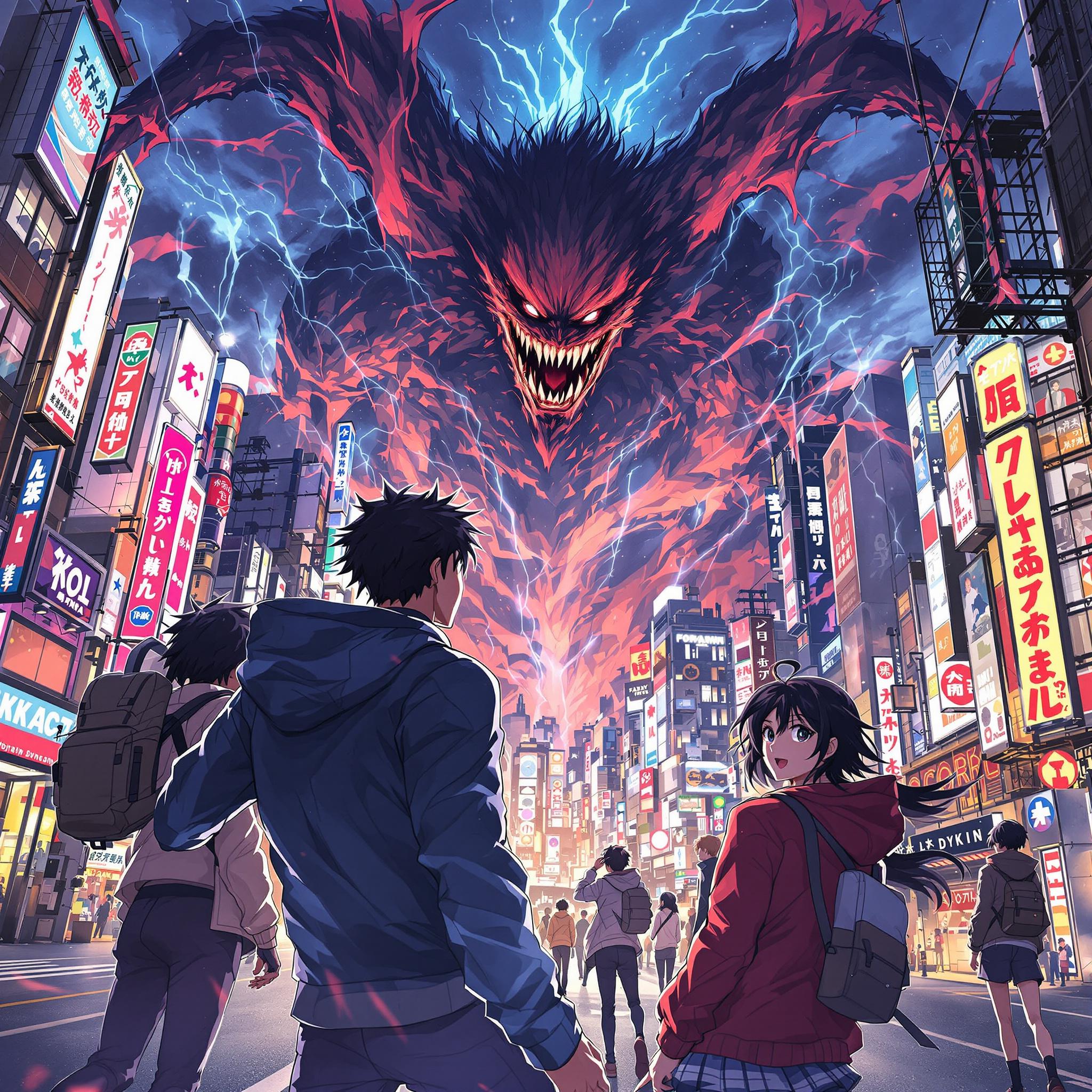

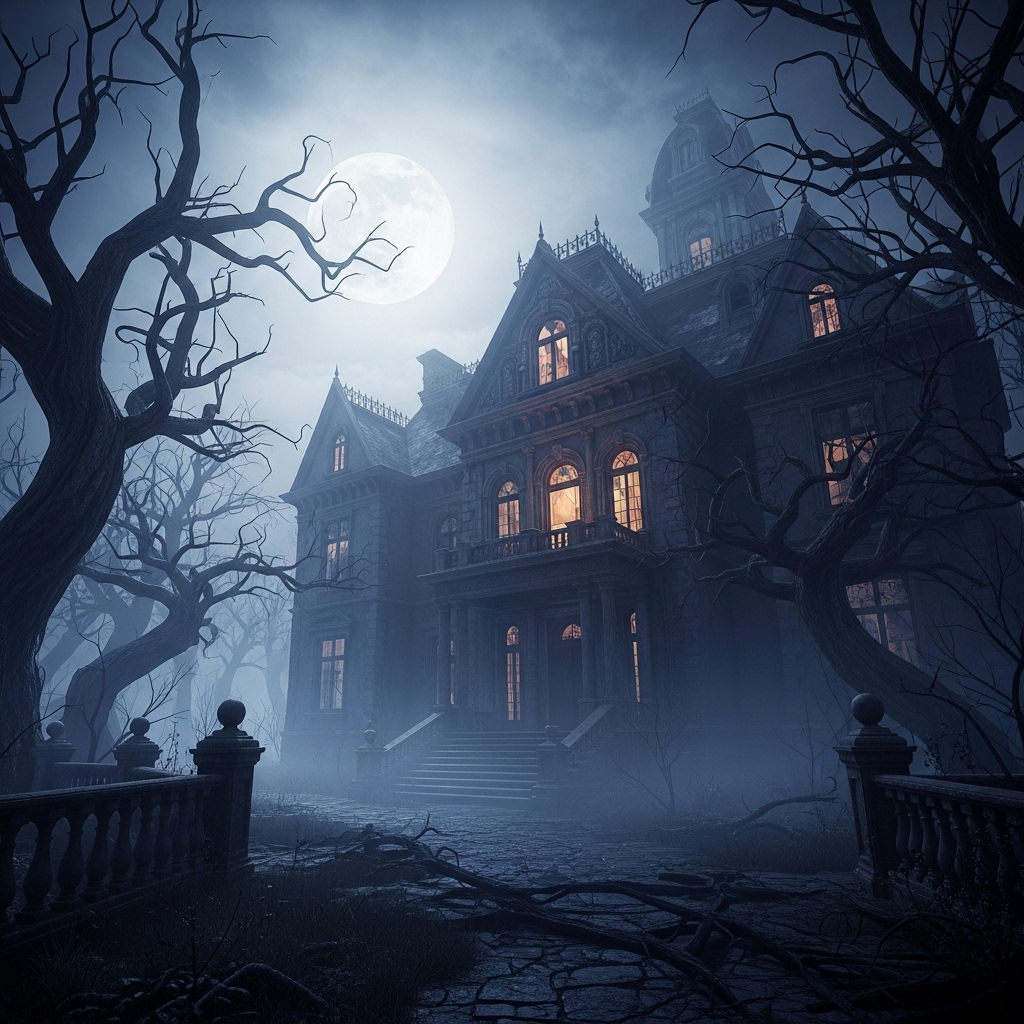
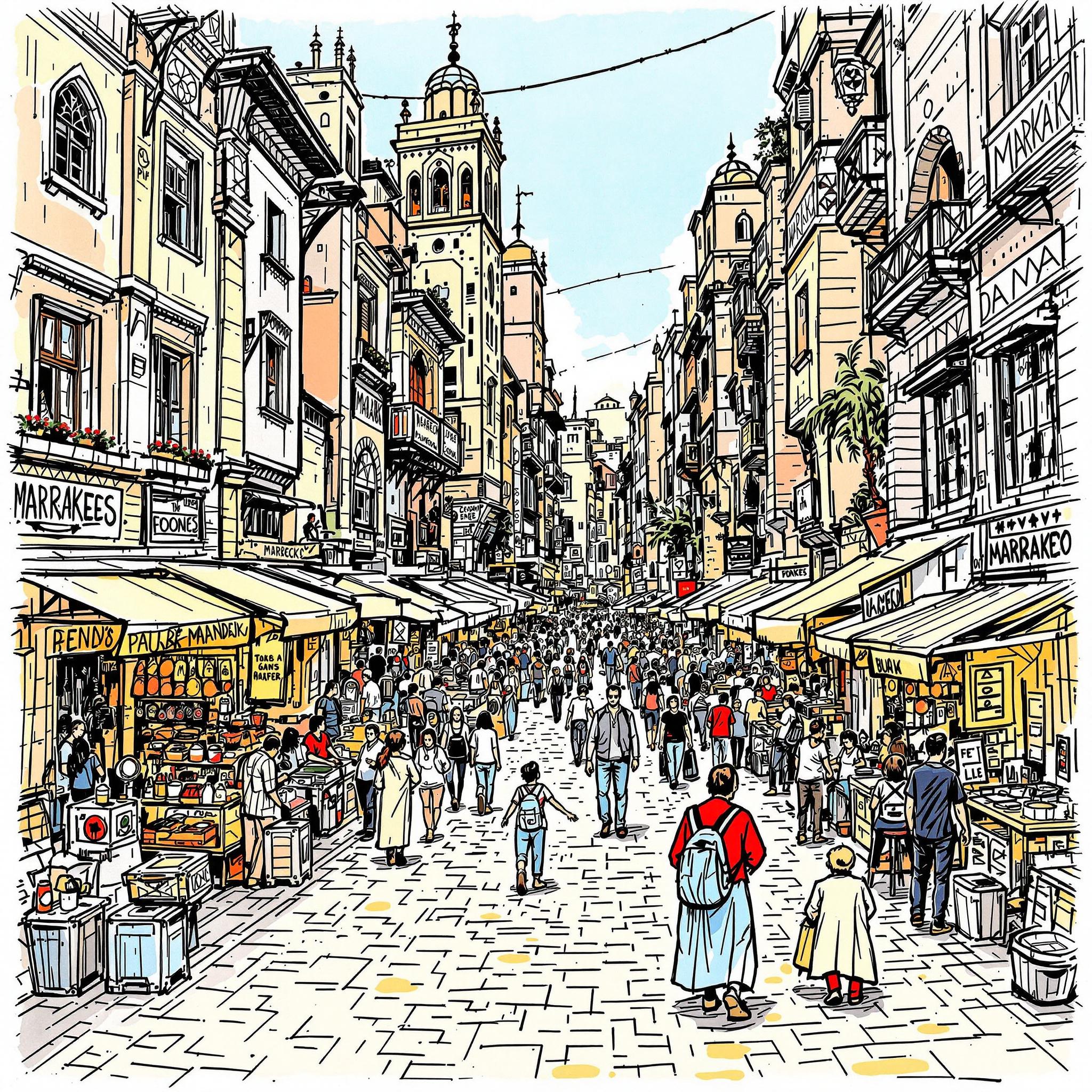
Pick a visual style
17+ looks, from claymation to comic noir — hover a style to watch a real episode.
Pick the voice
From broadcast-clean to delightfully unhinged — tap to hear real samples from the library.
- CDClay DynastiesEp. 13 · Friday 9:00
- WTWool TalesEp. 8 · tonight 19:30
- NFNoir FilesEp. 21 · Monday 18:00
Run several series at once
Each with its own niche, voice, look, and calendar — one dashboard.
It keeps your schedule
Pick your days once — every filled slot is an episode TubeDroid writes, renders, and posts without you.

NO TWO ALIKE
ThumbnailMake it yours
Thumbnails, subtitles, voices, visuals — every episode arrives ready to post, and every detail can be tweaked.
Built for any niche
If you can describe it, TubeDroid can turn it into a video series.
The clock that stopped the whole town
original sound – midnight.casesMysteries & True Crime
Bite-sized cases and unsolved mysteries, narrated and posted on autopilot.
The soldier who fought for three armies
History's Wildest Stories
Unbelievable true moments from the past with a consistent voice and look.
The seed that waits a hundred years
original sound – curious.wondersNature & Curiosities
Did-you-know wonders for any niche, scripted by AI from your prompt.
Real episodes generated by TubeDroid — channels and stats are illustrative.
Pricing
Free
Try AI video creation, no card needed
$0
USD/month
- 3 videos per month
- Run 1 series
- Auto-posting to YouTube, with TubeDroid branding
- Download your videos to post anywhere yourself
- TikTok auto-posting
- Videos without TubeDroid branding
Included with every account
Starter
Getting started with AI video creation
$9.99
USD/month
- 10 new episodes posted automatically per month
- Run up to 1 series at once
- Auto-posting to YouTube and TikTok on your schedule
- No TubeDroid branding on your videos
- 1 video edits per month to fine-tune any episode
Pro
Serious about video creation
$14.99
USD/month
- 25 new episodes posted automatically per month
- Run up to 5 series at once
- Auto-posting to YouTube and TikTok on your schedule
- No TubeDroid branding on your videos
- 10 video edits per month to fine-tune any episode
Premium
Scale up your content generation and management
$19.99
USD/month
- 50 new episodes posted automatically per month
- Run up to 15 series at once
- Auto-posting to YouTube and TikTok on your schedule
- No TubeDroid branding on your videos
- 20 video edits per month to fine-tune any episode
FAQ
Frequently Asked Questions
Can't find what you're looking for? We're happy to help — reach out and we'll get back to you quickly.
support@tubedroid.com- You describe a series — its topic, tone, voice, and visual style — and TubeDroid's AI takes care of the rest: writing the script, recording the voiceover, generating the visuals and subtitles, creating a thumbnail, and posting the finished video to TikTok, YouTube, and more on the schedule you set.
TubeDroid currently publishes to major video platforms including TikTok and YouTube.
Yes. Pick a voice and visual style for the whole series when you set it up, and override either one for an individual video at any time.
You can be as hands-on as you like. Every episode is created as a draft ahead of its scheduled slot, so you can review it, tweak it, or re-generate it before it airs — or let it post automatically if you're happy hands-off.
Every episode is built as a sequence of scenes — a line of the script paired with its visual. You can rewrite a scene's text, swap its visual, reorder scenes, or re-generate one scene without touching the rest of the episode.
Yes. Any scene can use media you upload (an image or a video clip), a stock clip, or an AI-generated visual — and you can mix all three within one episode.
Yes. You can re-render a video with a different voice, visual style, or subtitle style, and edit its thumbnail. Each plan includes a monthly allowance of video edits.
It depends on your plan — from 10 automatically created videos per month on Starter up to 50 on Premium. See the pricing section for details.
Yes. Each plan supports a number of series running at once, so you can manage multiple channels or niches from a single dashboard.
Yes! You can request a refund within 7 days of your purchase. Reach out by email.
- We're happy to help — email us at support@tubedroid.com.